

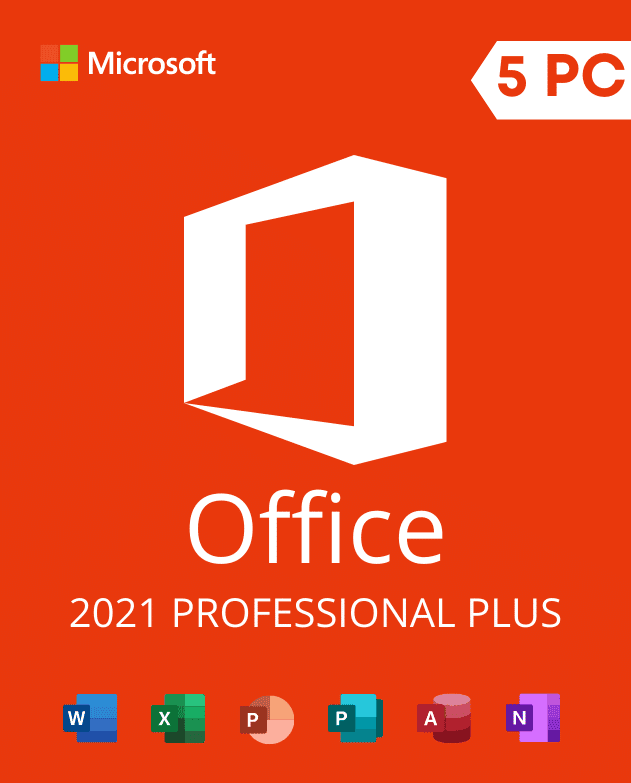
Description
Five-device license evidence required: “5 PC” is a listing claim, not proof of five device licenses. Ask for the exact SKU, channel, licensed quantity, activation method, device assignment, reinstall and transfer terms before checkout. Do not order if these facts cannot be provided.
Office 2021 Professional Plus for Windows is a one-time desktop release, not Microsoft 365. The five-PC wording describes this listing, but activation count is not a substitute for license entitlement. Before ordering, obtain documentation for the exact product/SKU, license channel, five separate device licenses, activation method, and reinstall or transfer conditions.
Lifecycle notice: Microsoft lists October 13, 2026 as the end-of-support date for Office LTSC 2021. After that date, regular security updates, bug fixes, and Microsoft technical support end. Buyers who need a longer supported life should compare newer products now. Verify the date on the official Microsoft Office LTSC 2021 lifecycle page.
Check five PCs before an Office 2021 Professional Plus Activation Key 5 PC order
On every target computer, open an Office app and select File > Account. Record the product name, installation type, and About information. Professional Plus differs from Home and Student, Home and Business, Standard, Microsoft 365, and Office for Mac. Also check whether existing Office, Project, or Visio components use 32-bit or 64-bit architecture.
- Licensed quantity: Obtain documentation for five separate device licenses. Do not infer license entitlement from a key activation count.
- Edition: Use Office 2021 Professional Plus rather than another Office 2021 edition.
- Platform: Do not order this Windows product for macOS or Chromebook.
- Compatibility: Check the Windows version, installer type, bit architecture, and available storage.
- Preparation: Back up Outlook data, templates, macros, and documents before replacing Office.
Use our Office edition and bit-version guide to complete the checks. You can also read the Office 2021 versus Office 2024 comparison. The newer release has a different lifecycle and may fit buyers who need support beyond October 2026.
After confirming the license documentation, follow the Office Professional Plus installation and activation guide for edition and architecture checks.
Digital fulfillment and activation assistance
MicrowinKey delivers order information electronically to the email address entered at checkout after processing. Check the address, retain the order number, and keep the activation details private. Obtain the correct installer from an appropriate Microsoft or organizational source. Then confirm the edition on each device before entering the supplied information.
If a supplied key cannot activate an eligible installation, contact support with the order number, affected device, Windows version, Office edition, bit version, and error screenshot. The team will verify compatibility and key status. When a key is confirmed as unable to activate, a replacement is provided as needed until activation succeeds, subject to the store terms. This assistance does not add unlisted applications, change platforms, extend Microsoft’s lifecycle, or create rights beyond the applicable product terms.
Frequently asked questions
Does this include upgrades to Office 2024?
No. Office 2021 is a fixed release. A later perpetual version or Microsoft 365 requires a separate eligible purchase or subscription.
Can the five installations include Macs?
No. This listing is for compatible Windows PCs. Choose an Office product that explicitly states Mac compatibility for macOS.
Is Professional Plus the same as Home and Business?
No. Application bundles and licensing channels differ. Confirm the exact edition required on every device.
Select the Office 2021 Professional Plus Activation Key 5 PC only after confirming all five computers and planning for the October 2026 support deadline.
Office 2021 lifecycle planning
Microsoft support for Office 2021 ends October 13, 2026. Before ordering, review the remaining support window and upgrade options in our Office 2021 end-of-support guide.
Reviews
There are no reviews yet.