

Description
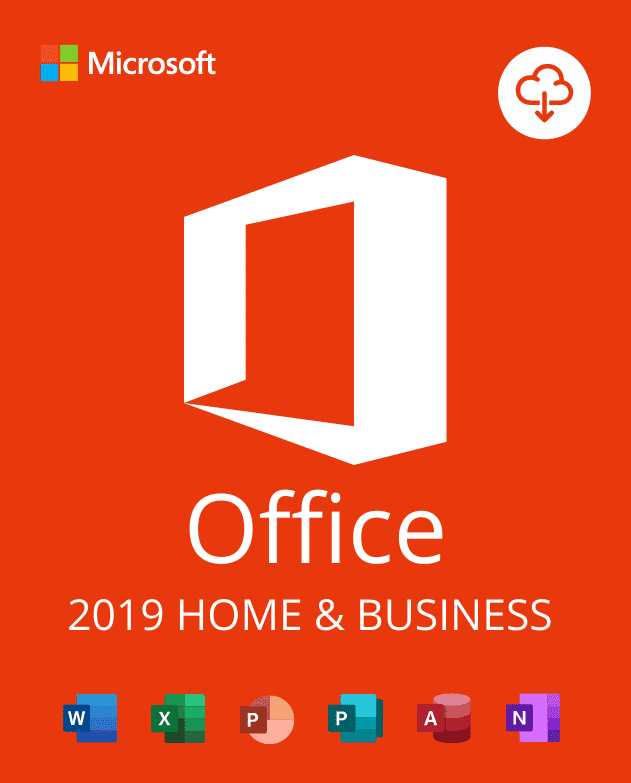
Office 2019 Home and Business Activation Key is intended for customers who need the Home and Business edition on a compatible Windows PC. Before ordering, confirm that this exact edition, platform, language, and region match your existing installation or planned setup. This check helps prevent edition and activation mismatches.
This is a digital product. No physical disc or retail box is shipped. Order information is provided electronically after checkout. Keep your order email and purchase details available because support may request them when checking an activation issue.
Check compatibility before you buy
First, identify the Office edition already installed on your computer. Then compare it with this listing. If another edition is installed, remove conflicting Office installations before setup. You can follow our guide to check your Office version before buying a product key.
- Confirm that you are using a supported Windows PC, not a Mac.
- Verify that you need Office 2019 Home and Business, not Home and Student, Professional Plus, or Microsoft 365.
- Check the display language, region, and Microsoft account requirements for your installation.
- Choose the correct 32-bit or 64-bit installer for your device and existing add-ins.
- Remove trial editions or conflicting Office versions before activation.
Digital delivery and activation support
After payment is confirmed, review the delivery information in your order email. Follow the supplied steps carefully and keep screenshots of any error message. If the supplied key cannot activate, contact MicrowinKey support with your order number and the exact error. We will verify the case and replace the key as needed until activation is completed, in line with the store policy and stated order terms.
The Office 2019 Home and Business Activation Key should only be used with the edition shown on this page. It will not change one Office edition into another. Therefore, edition verification is the most important step before purchase.
Important Office 2019 support notice
Microsoft ended support for Office 2019 on October 14, 2025. The software may continue to run, but it no longer receives Microsoft security updates or technical support. Review the official Microsoft Office 2019 lifecycle information before deciding whether this older release is suitable for your device and security needs.
If you prefer a newer one-time purchase edition, compare Office Home and Business 2024 for PC or Mac. Check its platform and device terms separately before ordering.
Frequently asked questions
Does this listing work on macOS?
No. This product page is for the PC edition. Choose a clearly labeled Mac product if you use macOS.
Is this Microsoft 365?
No. Office 2019 is a one-time release rather than a Microsoft 365 subscription. Features and services differ, so compare the editions first.
What should I send to support if activation fails?
Send your order number, the installed Office edition, your Windows version, and the complete error message. Do not publish your product key in a public message.
Use the Office 2019 Home and Business Activation Key only after all compatibility checks are complete.
Reviews
There are no reviews yet.