

Description
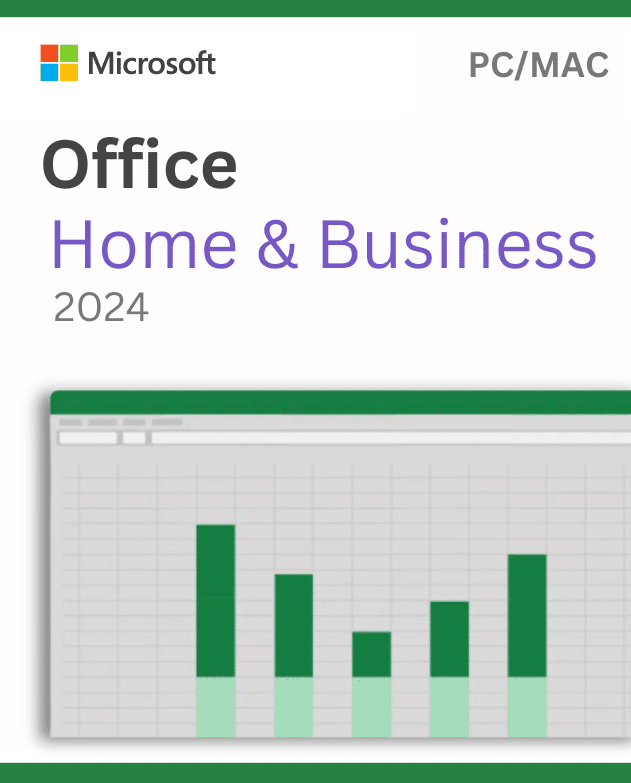
Office Home and Business 2024 for PC and Mac is a one-time desktop Office edition for buyers who prefer a fixed release instead of a Microsoft 365 subscription. Choose the platform carefully: a license is normally assigned to one compatible PC or one compatible Mac, not both at the same time, unless the supplied terms explicitly state otherwise.
Choose Office Home and Business 2024 for PC and Mac Correctly
Windows and macOS installations use different packages. On Windows, Office 2024 supports 32-bit and 64-bit installations. Select 64-bit for large files and greater memory use, or consider 32-bit when legacy add-ins and controls require it. All installed Office-family applications should use a compatible architecture. On Mac, Office is 64-bit, and Microsoft normally supports the three most recent major macOS versions. Because that window changes when Apple releases a new version, verify the current requirement before ordering.
Home and Business 2024 is presented as a one-time release. It does not include an automatic upgrade to the next major Office version, unlimited devices, hosted Exchange email, or all Microsoft 365 services. Internet access is still needed for activities such as download, activation, and updates. Consult Microsoft’s Office 2024 FAQ for platform, architecture, update, and lifecycle details.
Compatibility Checklist Before Purchase
- Platform: Decide whether the license will be used on Windows or macOS before installation.
- Device count: Treat it as a one-device product unless your exact order terms provide a different allowance.
- Windows architecture: Check existing Office applications, add-ins, macros, and drivers before choosing 32-bit or 64-bit.
- Mac requirements: Confirm the Mac model, macOS version, free storage, and current Microsoft support window.
- Edition: Make sure Home and Business contains the desktop applications your workflow requires. Do not assume Professional-only applications are included.
- Existing software: Back up documents and remove conflicting Office editions when Microsoft’s installer requires it.
Digital Delivery and Activation Help
The Office Home and Business 2024 for PC and Mac activation information is delivered electronically to the checkout email after processing. Download the matching installer from an official source, select the correct platform, and finish updates before activation.
If the supplied key cannot activate, send the order number, selected platform, installed edition, and error screenshot without exposing the full key. We will verify compatibility and the activation steps, then provide a replacement as needed until activation succeeds, subject to store terms. This policy does not create multi-device, cross-platform, transfer, or future-version rights beyond the supplied license conditions.
Compare Other Office Choices
Windows users who need a different desktop edition can review Office 2024 Professional Plus for PC. Buyers who prefer account sign-in, ongoing feature updates, and a renewable term can compare the carefully stated conditions of the Microsoft 365 one-year subscription listing.
Frequently Asked Questions
Can I install one order on both a PC and a Mac?
Do not assume so. Standard one-time terms normally cover one device, and the chosen platform package must match.
Is this a subscription?
No. It is presented as a one-time version, without automatic major-version upgrades or recurring cloud benefits.
Does Mac offer a 32-bit option?
No. Current Office for Mac is 64-bit. Windows buyers can choose an architecture after checking compatibility.
Reviews
There are no reviews yet.