

Description
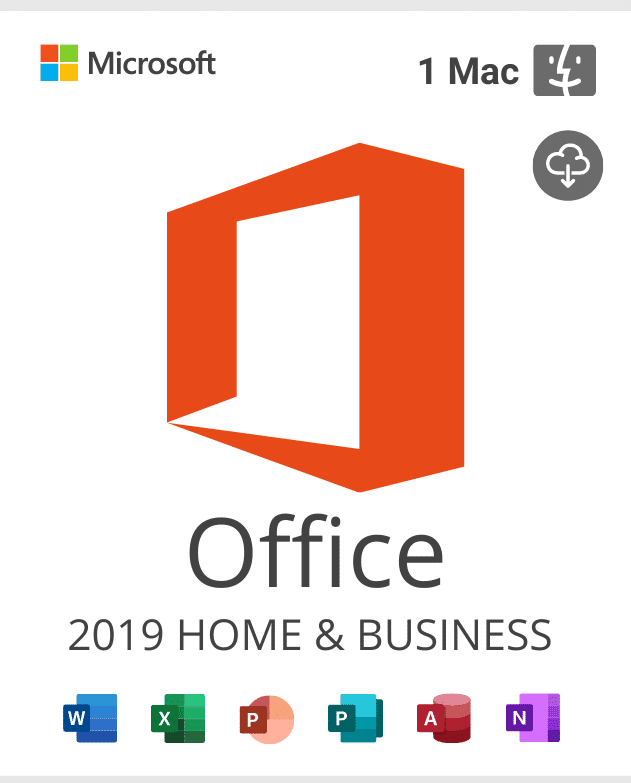
Office 2019 Home and Business for Mac Activation Key is intended for one eligible Mac using the matching Home and Business edition. It is not a Windows product, a mobile-app license, or a Microsoft 365 subscription. Office 2019 for Mac is 64-bit, so it cannot install as a 32-bit Mac application.
Check your Office 2019 Home and Business for Mac Activation Key requirements
Choose Apple menu > About This Mac to record the macOS version, Mac model, memory, and whether the processor is Intel or Apple silicon. Then confirm that your installer and Office build support that configuration. Because Office 2019 for Mac is already outside support, newer macOS releases may introduce compatibility problems that Microsoft will not fix for this version.
- Platform: One compatible Mac; do not use this product for Windows PCs.
- Architecture: The Mac release is 64-bit. There is no supported 32-bit installation.
- Edition: Install Office 2019 Home and Business for Mac, not Office 2021, Office 2024, or Microsoft 365.
- Preparation: Back up documents, Outlook data, templates, fonts, macros, and add-ins before changing Office.
Lifecycle clarification: Microsoft lists October 10, 2023 as the support end date for Office 2019 for Mac. The October 14, 2025 end date associated with Windows Office 2019 does not extend this Mac edition. Verify the product-specific date on the official Office 2019 for Mac lifecycle page.
Digital delivery and Mac activation support
The order details, key, and setup guidance are sent digitally to the email address used at checkout after processing. Verify that address and retain the order number. Unless the order page expressly says otherwise, no physical disc, box, or printed card is shipped.
Install the correct Mac edition before activation. If the supplied key cannot activate an eligible installation, contact support with the order number, macOS version, Mac model, Office edition, and exact error screenshot. We will verify the installation and key status. If the key is confirmed as non-working, we will replace it as needed until the eligible installation activates, subject to store terms. This does not restore Microsoft support or guarantee compatibility with a newer macOS release.
Compare current Mac Office choices
For a newer Mac-only release, compare the Office 2021 Home and Business Activation Key for Mac. If you are selecting for either a PC or Mac and want a newer generation, review Office Home and Business 2024 for PC or Mac. Confirm platform, device count, lifecycle, and included applications on each page.
Frequently asked questions
Can this activate Office on Windows?
No. Mac and Windows editions use different installers and product requirements.
Will it work on every Apple silicon Mac?
Do not assume so. Check the exact macOS, hardware, installer build, and Microsoft’s archived compatibility information before purchase.
Does it include ongoing upgrades?
No subscription or future-version entitlement is stated. This product targets the 2019 edition only.
Select the Office 2019 Home and Business for Mac Activation Key only after verifying the one-Mac scope, 64-bit platform, macOS compatibility, and ended lifecycle.
Reviews
There are no reviews yet.